
On some Facebook Pages, there’s an awesome Facebook Recommendations box, and you can even rate by stars!
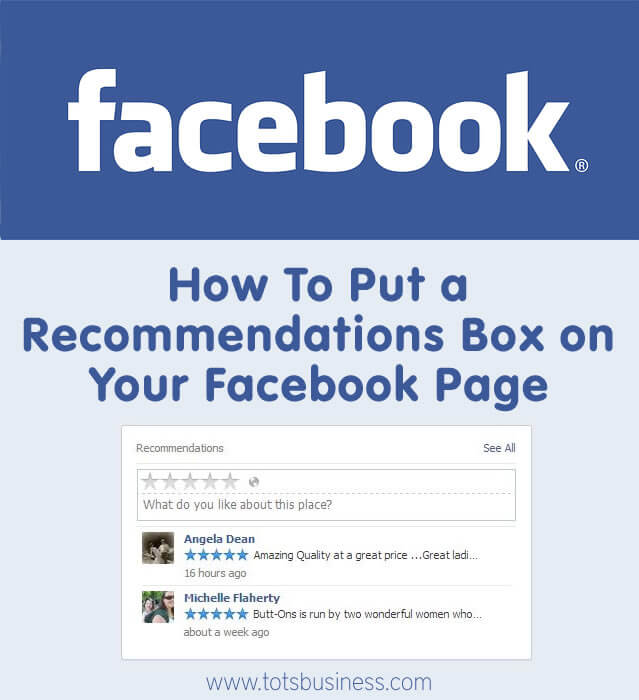
I love reading recommendations for companies I want to try.
I want to read what other people think, good and bad.
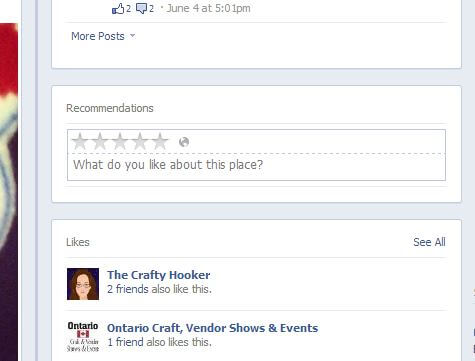
If you have a Facebook Recommendations box on your page, it shows up below the ‘Recent Posts by Others’ box and above the ‘Likes’ box.
As you can see below, it’s not there.
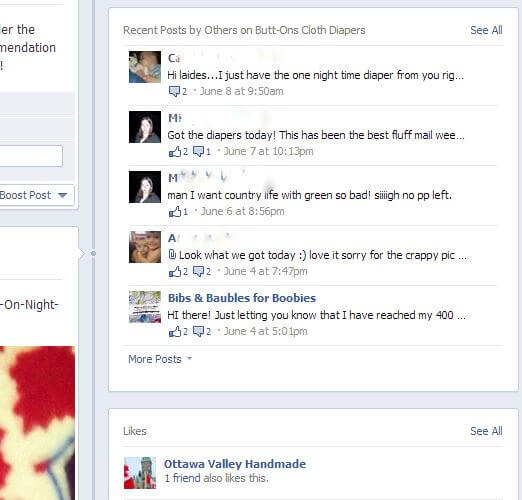
Here’s how to put a Facebook Recommendations box on your page:
1) Go to the Admin section of your Facebook Page, click on ‘Edit Page’, then click on ‘Update Page Info’.
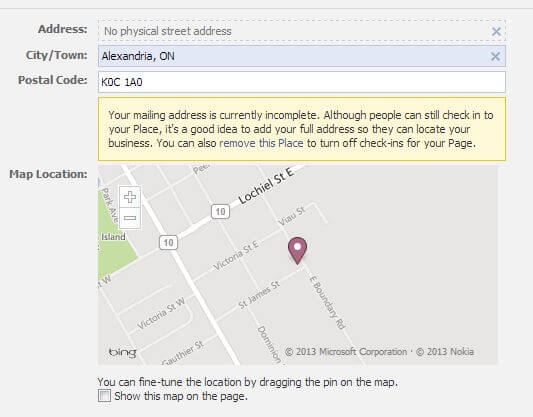
2) Enter your address, even if it’s just a city and province/state.
3) Check the option that says ‘Show this map on the page.’

4) Ta-daa and you have a facebook recommendation box !!







I have everything ticked off that you describe here, I even unchecked the show the map box saved then checked it again, but am still not showing recommendation box. Is there any reason I wouldn’t have it visible?
Thanks!
Shauna
For unknown reasons, Recommendations boxes have disappeared when you are on a computer. However, it can still be visible if you are looking at the page on a smartphone. If you don’t have a smartphone, ask a friend or fan who likes your page to take a look for you (that’s how I found out I still had a recommendations box!)
By the way, thank you for the comment! You reminded me that I have to post an update addressing this issue 🙂
Thanks for that but I would like it to be visible on a regular computer. Do I need to send a note to Facebook for that to happen? Does it matter that I am on a Mac maybe?
Thanks again for your help!
I don’t think the type of computer matters. It is likely Facebook changing things around, and a note to them might be a good idea! You can also check out the Facebook Help Community (go to the Admin panel on your FB business page, click on ‘Help’, then click on ‘Facebook Help Community’) to see what others are saying about the issue. I hope that helps!